
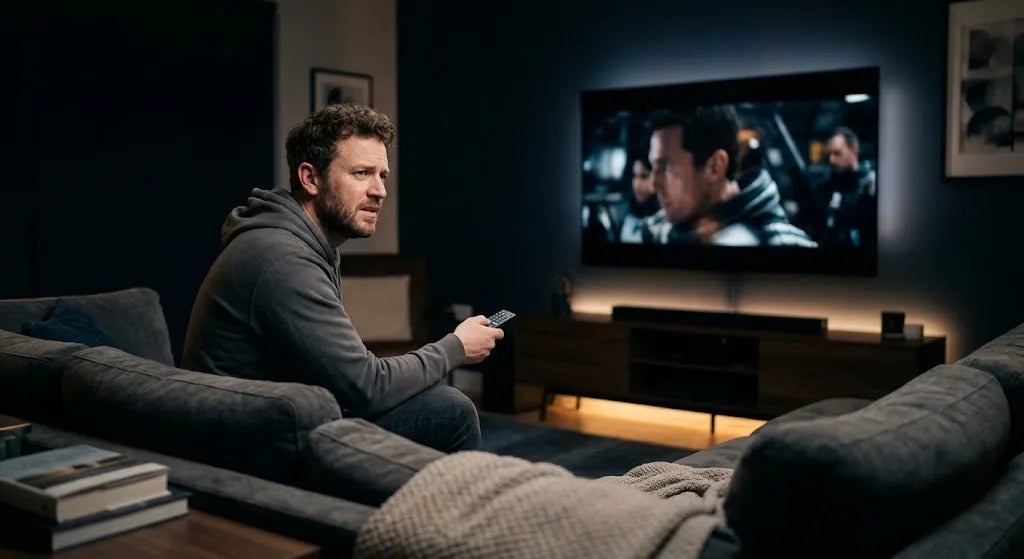
Finding the right TV viewing distance can make a noticeable difference to picture quality and viewing comfort. Getting the best home theatre experience is not simply about buying the biggest screen your budget allows. Your TV size, screen resolution, room size and seating position all need to work together.
The ideal viewing distance should give you an immersive viewing experience while allowing you to see the entire screen comfortably.
Why TV Viewing Distance Matters More Than You Think
When you sit in a cinema, you naturally prefer a position where the screen fills enough of your vision without requiring constant head movement. The same principle applies at home.
Your TV screen size and seating distance determine how much of your field of view the picture occupies. A suitable balance can make films, sport and games feel more immersive without making the screen uncomfortable to watch.
Sit too far away and some of the fine detail available from a modern 4K resolution may become harder to notice. Sit unusually close and the screen may occupy so much of your field of view that following action across the entire display becomes less comfortable.
The Society of Motion Picture and Television Engineers provides viewing guidance based on screen dimensions and viewing position SMPTE viewing guidance
Viewing comfort also depends on more than distance. Screen height, viewing angle, glare and seating posture can all affect how comfortable the setup feels. Guidance from the American Optometric Association on digital eye strain notes that improper viewing distances, glare and poor posture can contribute to visual discomfort.
The Quick Formula: How to Calculate Your Ideal Distance
You do not need a complicated calculation to estimate your ideal viewing distance. Your TV screen size provides a useful starting point.
Modern TVs are measured diagonally in inches. For most living rooms, two useful reference points are a more relaxed 30 degree field of view and a more immersive 40 degree field of view.
For approximately a 30 degree field of view:
Viewing distance in inches = TV size × 1.6
For approximately a 40 degree field of view:
Viewing distance in inches = TV size × 1.2
These are practical guidelines rather than strict rules. Your preferred viewing position will also depend on your room layout, content and personal comfort. A current TV size and viewing distance guide from RTINGS uses the same general 30 to 40 degree range when comparing screen size and distance.
A More Immersive 40 Degree Setup
If you mainly watch films, high quality streaming content or immersive games, you may prefer a viewing distance closer to the 40 degree reference point.
To estimate this distance, multiply your TV size by about 1.2.
Example for a 65 inch TV:
65 × 1.2 = 78 inches
78 ÷ 12 = 6.5 feet
Sitting roughly 6.5 feet from a 65 inch TV creates a more immersive field of view while still allowing the entire screen to remain visible.
A Comfortable 30 Degree Setup
For general television, sport, news and mixed household viewing, a 30 degree field of view provides a useful starting point.
Multiply the TV screen size by approximately 1.6.
Example for a 65 inch TV:
65 × 1.6 = 104 inches
104 ÷ 12 = about 8.7 feet
This greater recommended viewing distance provides a more relaxed setup for everyday use.
Recommended Distance by Screen Size Chart
The following table provides a practical reference for popular TV sizes.
|
Screen Size |
More Immersive Viewing |
General Mixed Viewing |
|
55 inch |
About 5.5 feet |
About 7.5 feet |
|
65 inch |
About 6.5 feet |
About 8.7 feet |
|
75 inch |
About 7.5 feet |
About 10 feet |
|
85 inch |
About 8.5 feet |
About 11.3 feet |
These figures are starting points rather than fixed requirements. Your preferred distance may sit somewhere between the two ranges.
55 Inch TVs
A 55 inch display works comfortably in many apartments, bedrooms and smaller living rooms. For general viewing, a distance of around 7 to 7.5 feet is a useful starting point.
For films or gaming where you want the screen to fill more of your vision, moving closer to about 5.5 feet can create a more immersive experience.
65 Inch TVs
A 65 inch TV suits many medium sized Australian living rooms.
For an immersive film setup, around 6.5 feet can work well. If the room serves several purposes and people watch from different seating positions, a distance closer to 8.5 or 9 feet may feel more natural.
The mounting position matters as well as distance. ScreenMounts' guide on how high a TV should be mounted explains how screen height and seated eye level influence viewing comfort.
75 Inch TVs
A 75 inch screen creates a strong home theatre effect, particularly when viewed from around 7.5 feet.
For general household viewing, approximately 10 feet provides a more relaxed field of view. Before choosing this TV size, check both the room dimensions and the available wall space.
85 Inch and Larger TVs
An 85 inch or larger television requires more planning.
For immersive viewing, around 8.5 feet can be suitable, while a distance of roughly 11 feet provides a more relaxed everyday setup.
Large screens also require an appropriate mounting solution. Before installation, check the TV weight, VESA pattern and screen size compatibility. The ScreenMounts TV wall mount buying guide explains the main factors to check when selecting a mount.
Key Factors That Change Your Ideal Setup
Viewing distance formulas provide a useful baseline, but every room is different. Your TV size, screen resolution, viewing angle, lighting and seating arrangement should all be considered before deciding where the television and sofa will sit.
Field of View and Cinematic Immersion
Field of view describes how much of your vision is occupied by the TV.
A viewing position around the 30 degree range works well for mixed everyday viewing. Moving closer so the TV occupies around 40 degrees creates a more cinematic experience.
If you mainly watch films or play immersive games, you may prefer sitting closer to the screen. If the TV is commonly used for news, casual television and general household viewing, a slightly greater distance may feel more comfortable.
Your seating position does not always have to remain fixed. A full motion wall mount can allow the TV to extend, tilt or swivel to suit different viewing positions. ScreenMounts explains these differences in its guide comparing a TV stand and wall mount.
Screen Resolution and Pixel Density
Resolution also affects how much detail is visible at different distances.
A 4K TV contains substantially more pixels than a Full HD display of the same screen size. This means viewers can generally sit closer to a modern 4K television while still seeing a smooth image.
However, resolution is only one part of picture quality. Content quality, compression, panel technology and viewing conditions also influence what you see.
Whether you use an LED, OLED, QLED or another type of smart TV, screen size and seating distance should still be considered together.
Room Layout and Lighting Constraints
Your room layout may ultimately determine where your sofa and television can be positioned.
Windows can introduce glare, while doors, walkways and furniture may limit where the main seating position can go.
Bright reflections can also make the picture harder to see. OSHA guidance on screen placement and glare recommends considering lighting and reflections when positioning a display.
If your room has several seating positions, an adjustable mount can help maintain a comfortable viewing angle. You can browse ScreenMounts' TV wall mount range to compare fixed, tilting and adjustable options.
Signs You Are Sitting Too Close or Too Far
You do not always need a tape measure to identify an unsuitable viewing position.
If you regularly feel that you need to scan across the entire screen, the TV may be too large for the current distance or your seating may simply be closer than you prefer.
If text and fine image details are difficult to see, moving slightly closer may improve the experience.
Eye Strain and Neck Fatigue
Viewing distance is only one factor affecting comfort.
Sitting very close to a large screen may require more eye and head movement to follow action across the display. A TV positioned too high can also require you to look upwards for long periods.
Sitting too far away can have the opposite effect. Some viewers may find themselves leaning forward or squinting to see small details.
Occupational ergonomics guidance from OSHA on monitor positioning similarly highlights viewing distance, screen height, viewing angle and glare as factors that can influence eye and postural comfort.
For a TV mounted on the wall, ScreenMounts' guide to common TV mounting mistakes also explains why screen height and viewing position should be planned before installation.
Loss of Image Clarity and Detail
If text overlays are difficult to read or fine details in 4K content are hard to notice, your seating position may be farther away than necessary.
Moving slightly closer can help make better use of a high resolution display.
If the screen feels overwhelming or you constantly move your eyes or head to follow content, move back gradually until the full screen feels comfortable to view.
How to Adjust Your Setup for Maximum Comfort
If your room layout prevents you from moving the sofa significantly, a few practical adjustments can improve the setup.
|
Adjustment |
Why It Helps |
|
Use painter's tape to mark the TV size |
Lets you check whether the screen dimensions suit the room before buying or mounting the TV |
|
Check the mounting height |
Helps keep the screen closer to your natural seated eye level |
|
Use an adjustable wall mount |
Makes it easier to change the viewing angle for different seating positions |
|
Reduce reflections and glare |
Improves picture visibility and viewing comfort |
|
Check the viewing distance before installation |
Helps avoid placing the TV too close or too far from the main seating area |
If you are planning to install a new mount yourself, review ScreenMounts' guide on how to install a TV wall mount before drilling or positioning the bracket.
There is no single TV viewing distance that works perfectly for every room. Use your TV screen size and a 30 to 40 degree field of view as practical starting points, then adjust the seating position based on your room size, picture quality and personal comfort.
Once you have found the right viewing distance, the next step is making sure the television is securely positioned at the correct height and angle. Explore ScreenMounts' range of TV wall mounts and mounting solutions to choose an option that suits your TV size and viewing setup.
Share:
TV Wall Mounted Ideas: 15 Stylish Feature Wall Designs
Vertical Monitor Setup: How to Position Your Screen Properly